A queue everyone trusts
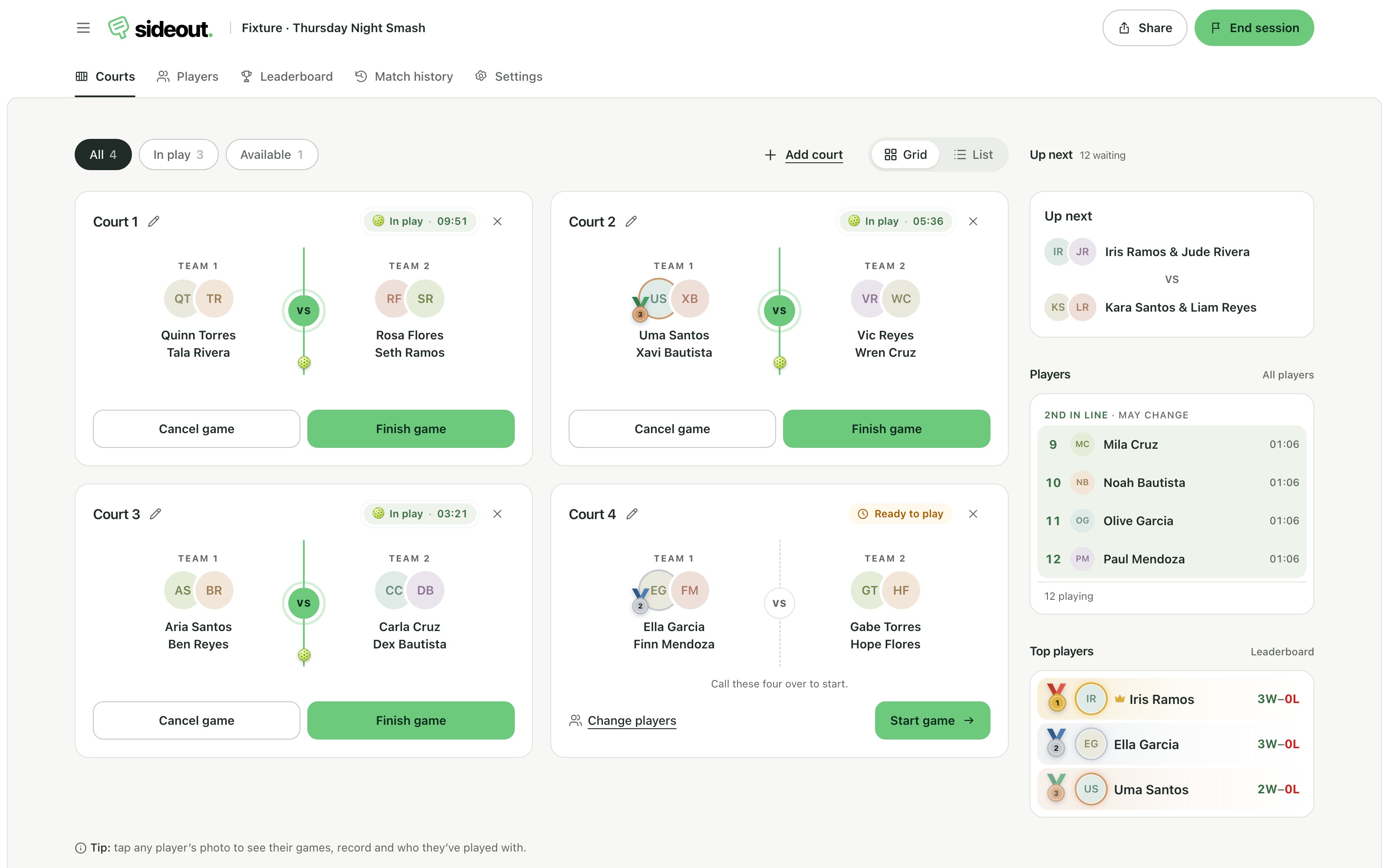
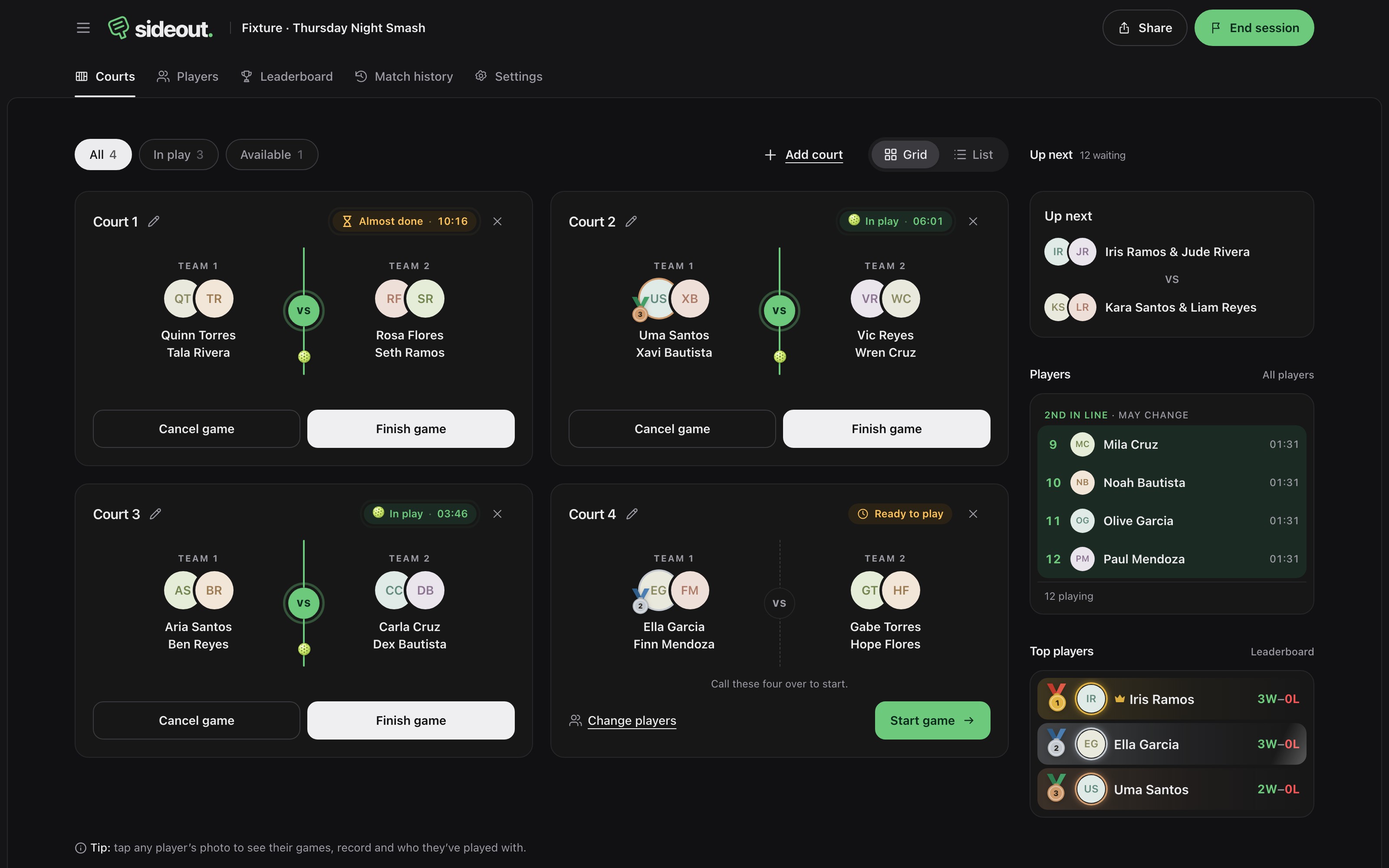
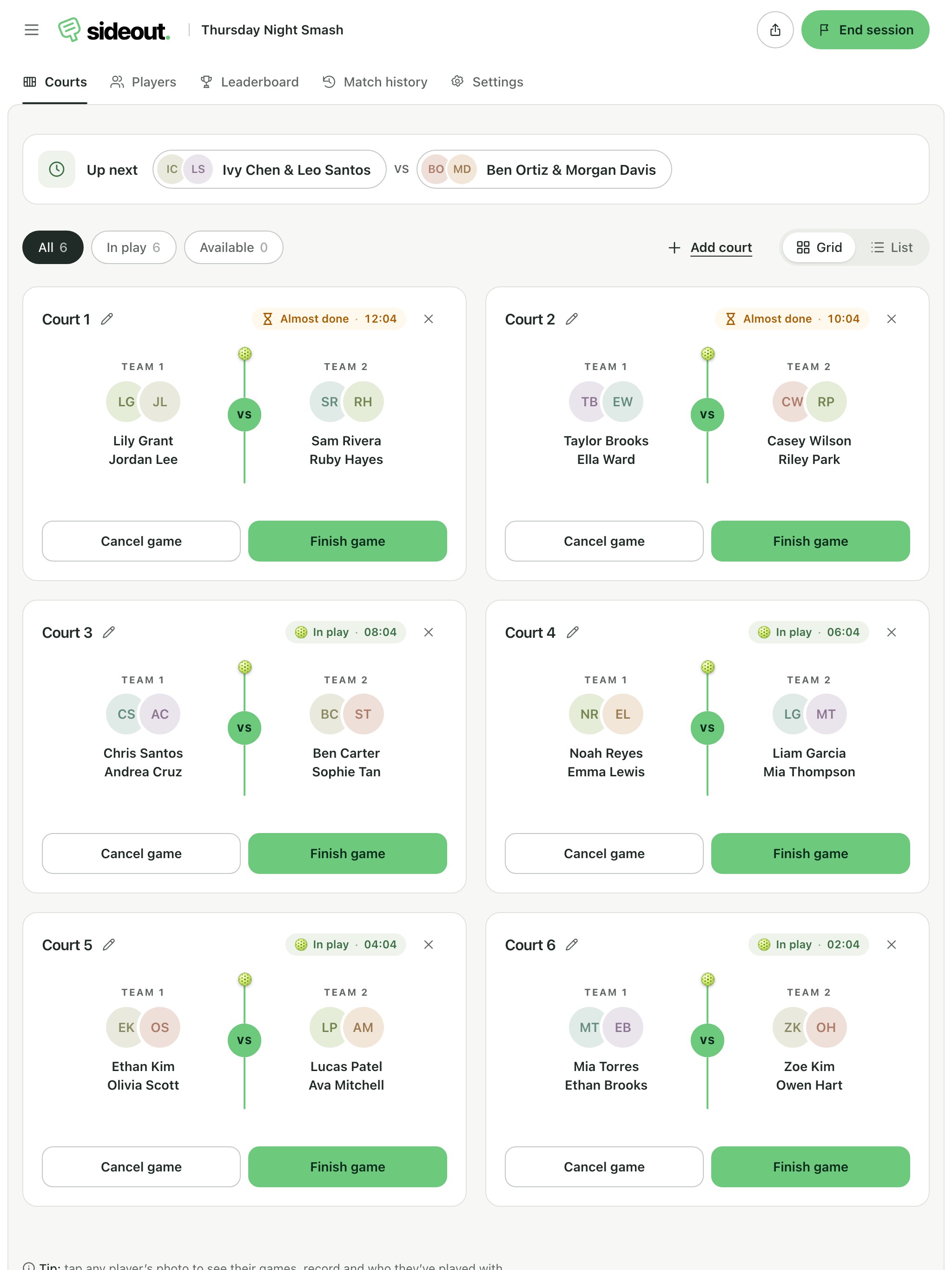
Players join in arrival order, or let those with the fewest games go first. Everyone sees who's up next, so nobody argues about whose turn it is.
Made for open play across the Philippines
The free pickleball open play app. Check players in and rotate courts fairly, all from one phone.
Free to use · No app to install · Players join with a QR code
Everything open play needs
Players join in arrival order, or let those with the fewest games go first. Everyone sees who's up next, so nobody argues about whose turn it is.
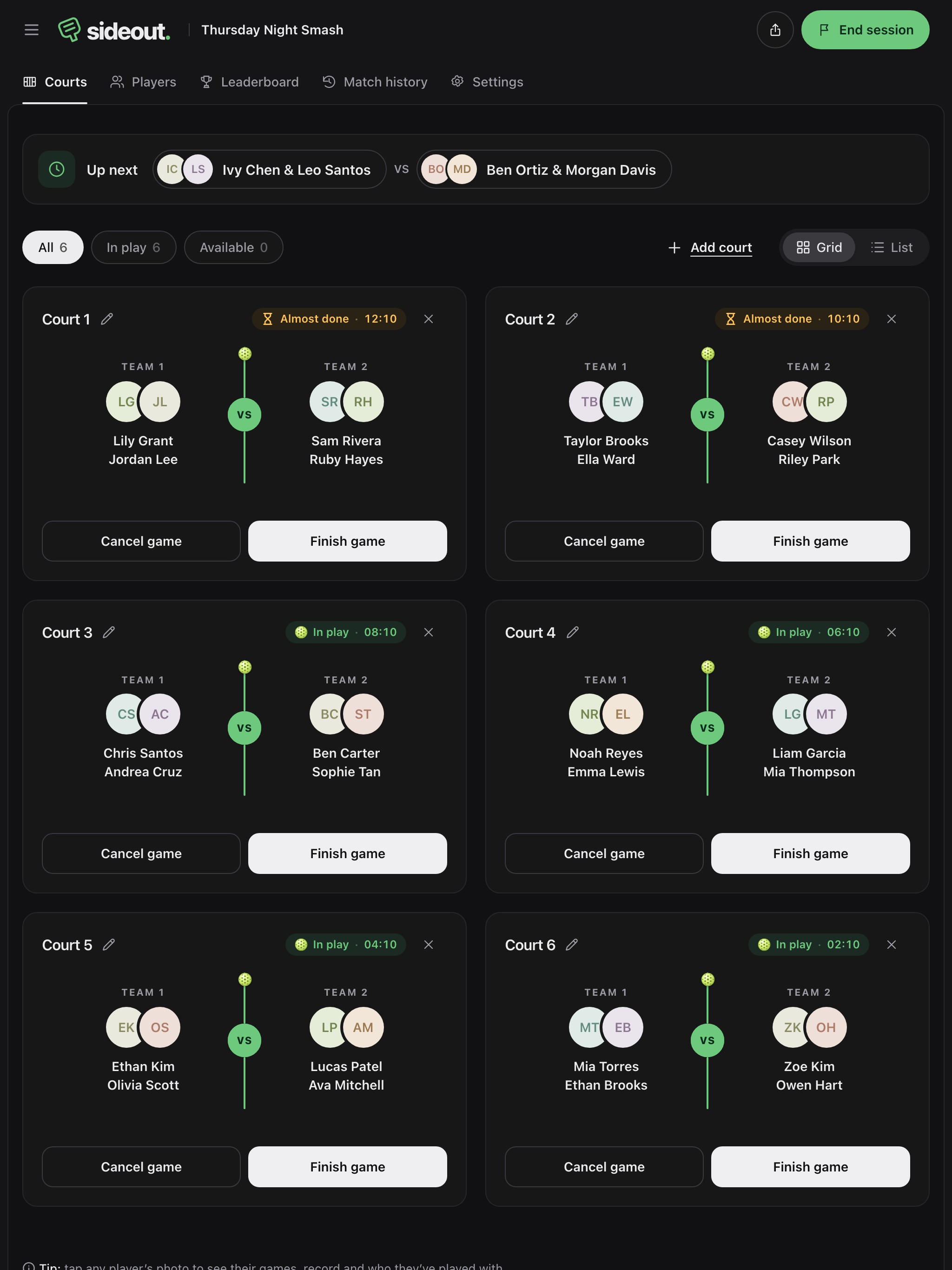
See every live game, who's waiting and who's up next on each court, from one phone at the fence. Pick the four yourself whenever you need to.
Share one link and players check themselves in at the venue. Paste your whole list from a group chat to add everyone at once.
Five skill levels, from Beginner to Advanced. Mix up partners every game or split each group of four into evenly matched teams.
Post an upcoming session with a set number of spots. Players see who's coming and ask for a spot, and you approve who gets in.
Hosts can see how long players have been waiting, while players can follow their place in line.
Players who sign in keep their games, wins and best streak from every open play, and can share their profile or list it in the Players directory.
Put the live standings on a TV at the courts. Big, readable rows with gold, silver and bronze, and pages that turn on their own.
End the session for a podium, the day's stats and every result. Share it as an image to the group chat or export a spreadsheet.
How it works
Name your session, pick the courts and add the players you're expecting. No accounts, no app to install.
Players scan it at the venue, check themselves in and join the queue. You stay in control of every court.
Start and finish games with a tap. The queue rotates fairly, and the recap crowns the day's winners.
One session, everyone in the loop
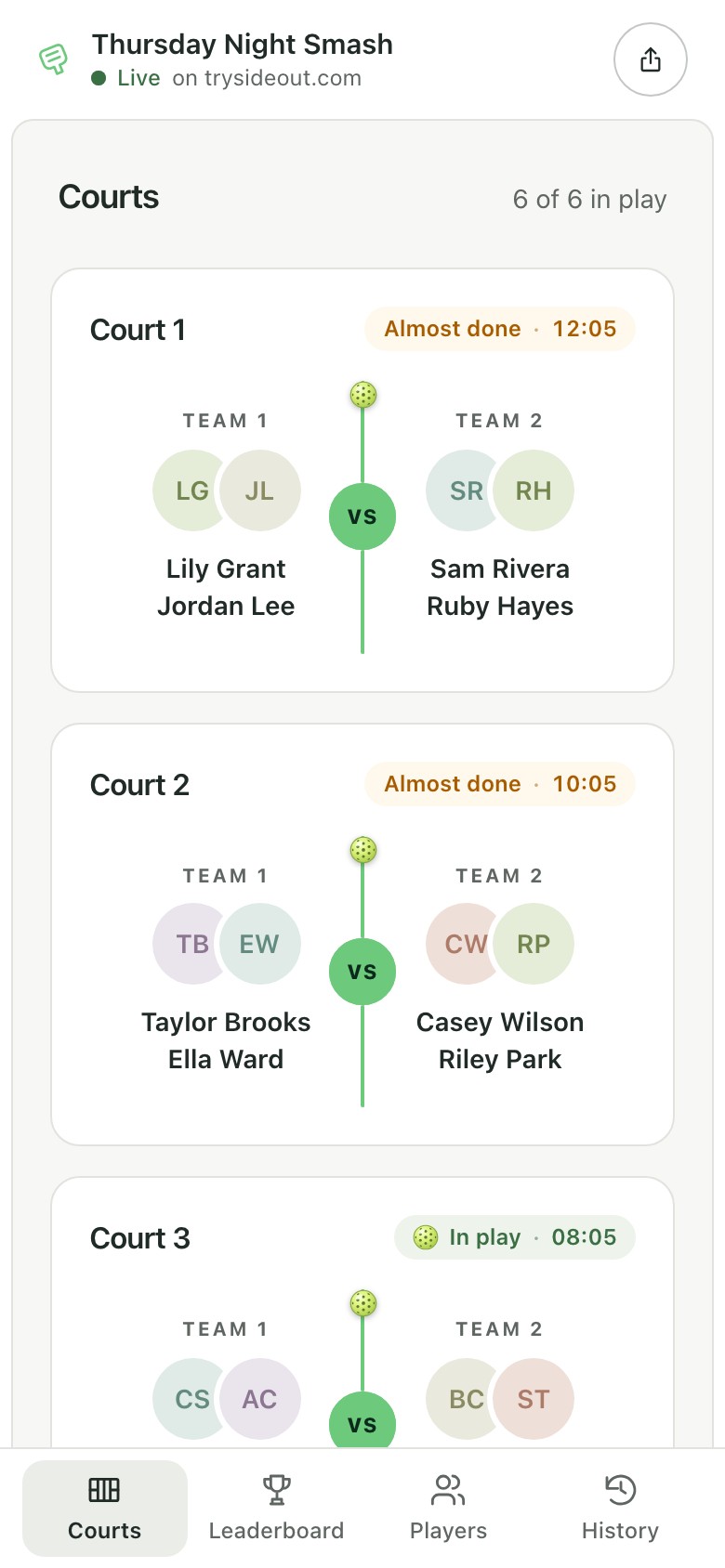
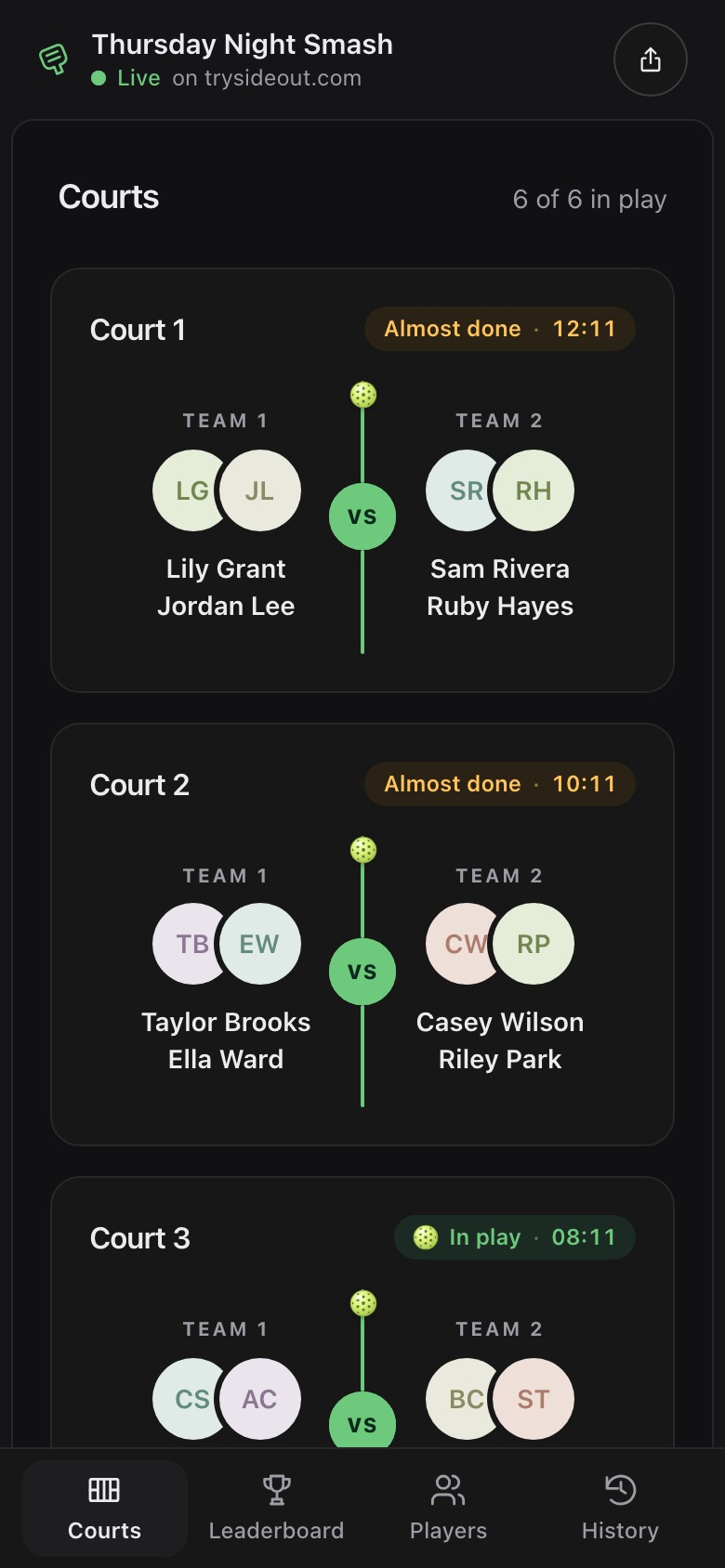
Hosts keep the games moving. Players know where to be next. All in the browser, on the devices already at the courts.
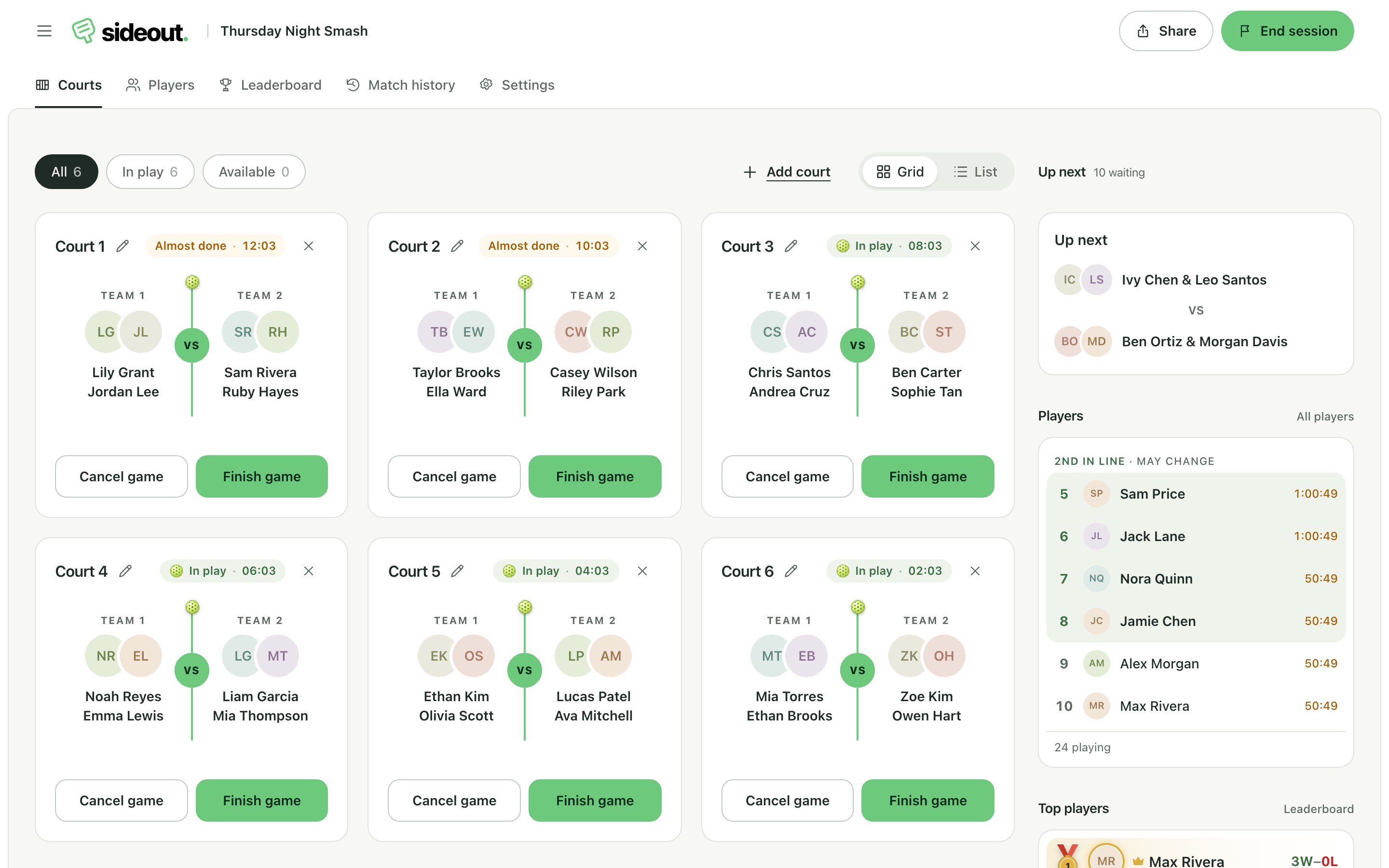
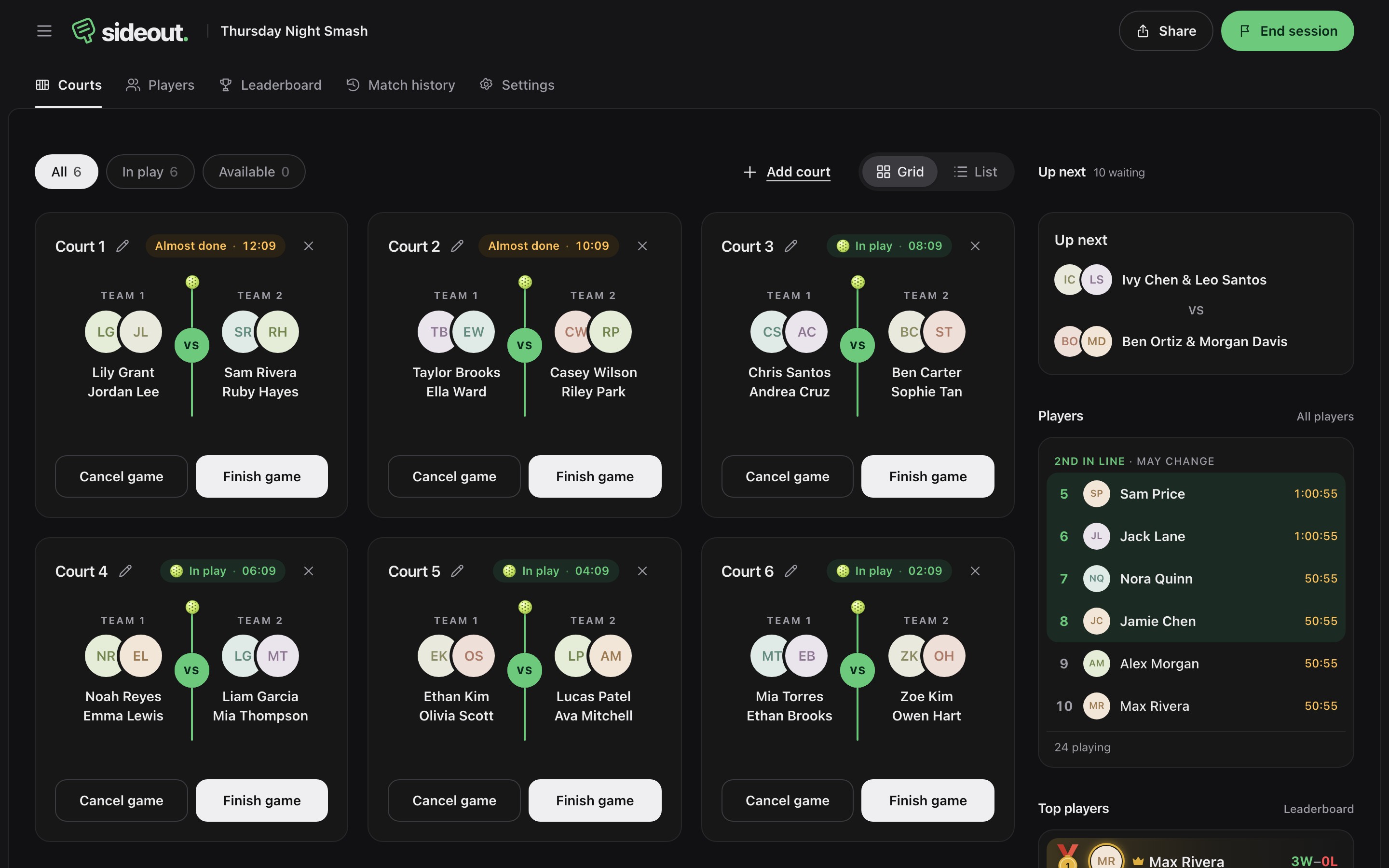
For the host
For the players
When the last game ends
End the session and everyone’s link turns into a recap: a podium for the top three, the day’s stats and every result, ready to share with the group chat.
Questions
What hosts and players ask before their first session with Sideout.
Wala nang gulo sa pila. Free to use, no accounts. Players join from their own phone with a QR code.